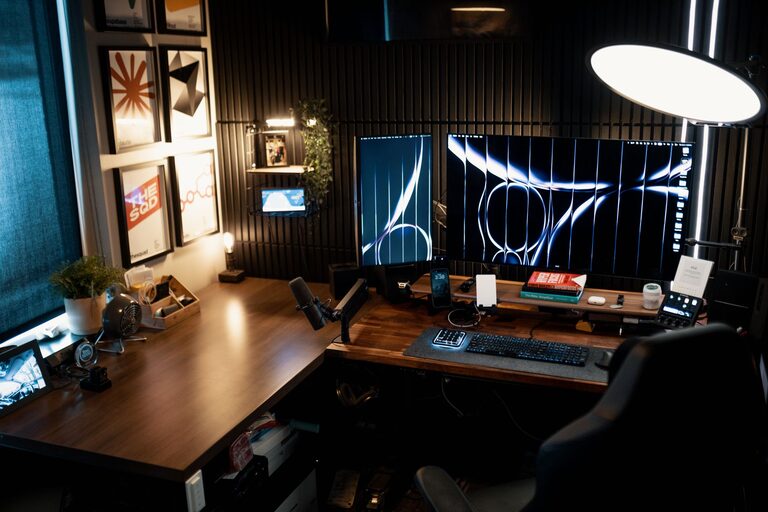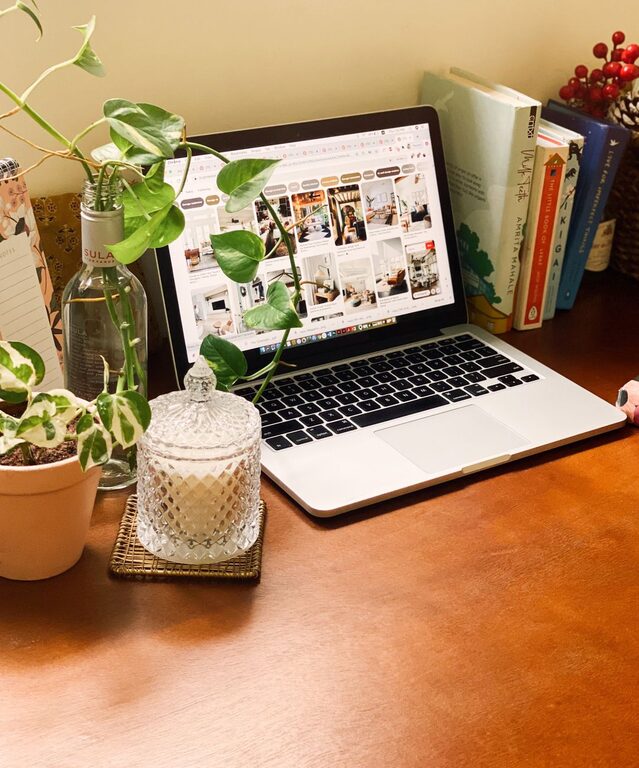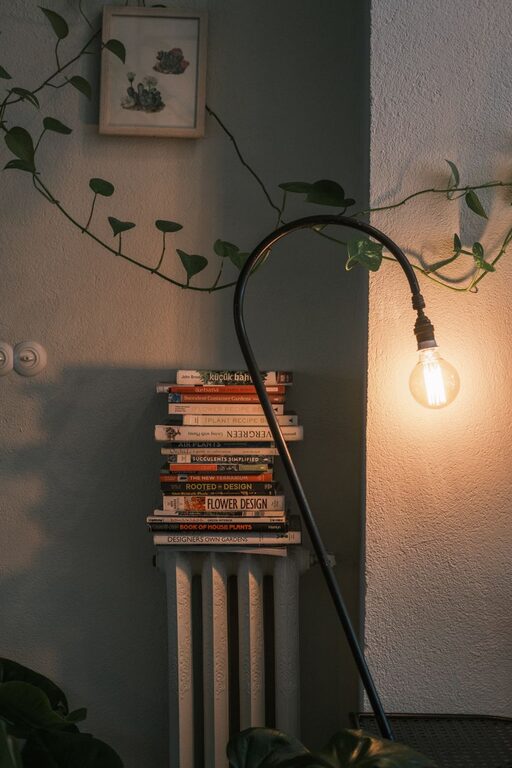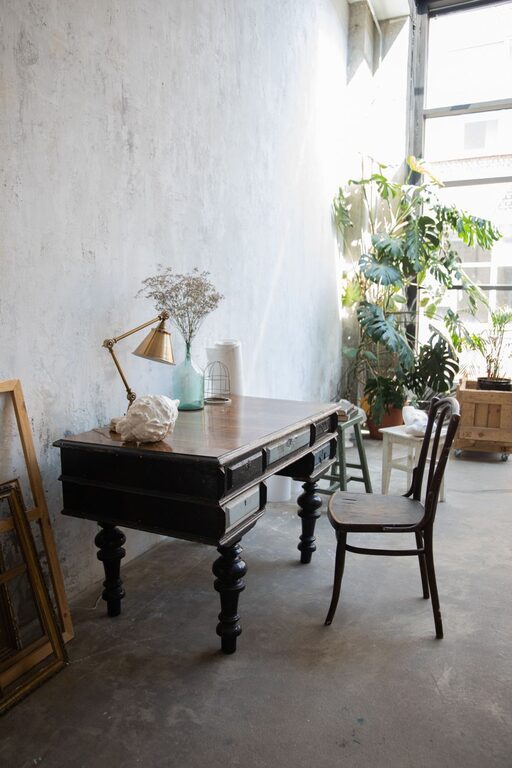
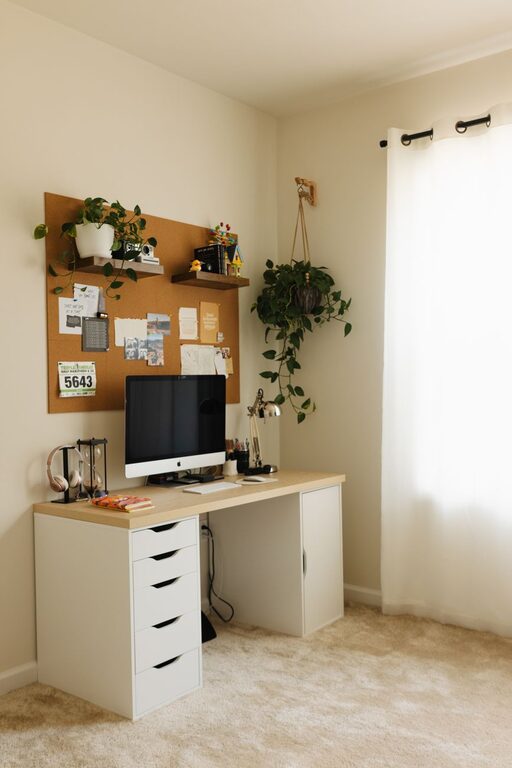
Creating a home workspace that feels both relaxing and productive can greatly improve your work-from-home experience. When your workspace supports concentration while promoting calmness, you can tackle tasks efficiently without feeling overwhelmed. Below are practical tips to help you design a home office that balances comfort and productivity.
Choose the Right Location
Selecting the perfect spot for your workspace is the first key step.
– Quiet Area: Pick a space away from noise and distractions, such as a spare room or a quiet corner.
– Natural Light: Position your desk near a window to take advantage of natural light, which can boost mood and focus.
– Separate Spaces: If possible, keep your workspace separate from relaxation areas to create a psychological boundary between work and personal time.
Invest in Comfortable Furniture
Comfort is essential for long hours at your desk.
– Ergonomic Chair: Use a chair that supports good posture and offers adjustable height and back support.
– Appropriate Desk: Choose a desk with enough surface area for your equipment but not so large that it invites clutter.
– Standing Options: Consider a sit-stand desk to vary your position and reduce fatigue.
Minimize Clutter for Better Focus
A tidy space can help clear your mind.
– Organize Supplies: Use desk organizers, filing cabinets, or shelves to keep papers and supplies in order.
– Daily Clean-up: Make it a habit to tidy your desk at the end of each day.
– Limit Extras: Keep only essential items on your desk to avoid distractions.
Use Calming Colors and Décor
Your environment can influence your mood and productivity.
– Soft Colors: Opt for neutral or pastel tones on walls and furnishings to create a soothing atmosphere.
– Personal Touches: Add a few meaningful items like artwork, plants, or photos without overcrowding.
– Natural Elements: Incorporate greenery to reduce stress and improve air quality.
Optimize Lighting
Proper lighting helps reduce eye strain and keeps you alert.
– Layered Lighting: Combine natural light with task lighting, such as a desk lamp, and ambient lighting.
– Shade Control: Use blinds or curtains to adjust sunlight and glare.
– Adjust Brightness: Ensure your computer screen brightness matches the room lighting to prevent discomfort.
Establish Clear Work Hours and Boundaries
Creating routines helps maintain work-life balance.
– Set a Schedule: Define your working hours and stick to them as much as possible.
– Communication: Inform family or housemates about your schedule to minimize interruptions.
– Break Time: Schedule regular breaks to move, stretch, and recharge your mind.
Incorporate Technology Mindfully
Technology can both help and hinder productivity.
– Use Productivity Tools: Utilize apps for task management, timers, and focus enhancement.
– Cable Management: Keep cords organized to avoid a messy workspace.
– Limit Distractions: Turn off non-essential notifications during focused work periods.
Prioritize Air Quality and Temperature
Comfortable air and temperature conditions support sustained focus.
– Ventilation: Open windows when possible or use an air purifier to improve air quality.
– Temperature Control: Maintain a comfortable room temperature, ideally between 68°F and 72°F (20°C to 22°C).
– Humidity: Use a humidifier or dehumidifier if needed to maintain balanced humidity.
Add Personal Relaxation Features
Including small elements to help you relax can prevent burnout.
– Relaxation Corner: Create a nearby space with a comfortable chair or cushion for short breaks.
– Aromatherapy: Use subtle scents like lavender or eucalyptus to promote calmness.
– Music or White Noise: Play soft background sounds to improve focus and mask distracting noises.
Final Thoughts
Designing a relaxing home workspace that boosts productivity doesn’t require a complete overhaul. Small adjustments, like choosing the right chair, adding plants, or improving lighting, can make a big difference in how you feel and perform throughout the day. Prioritize comfort, organization, and balance to create a work area where you can thrive.