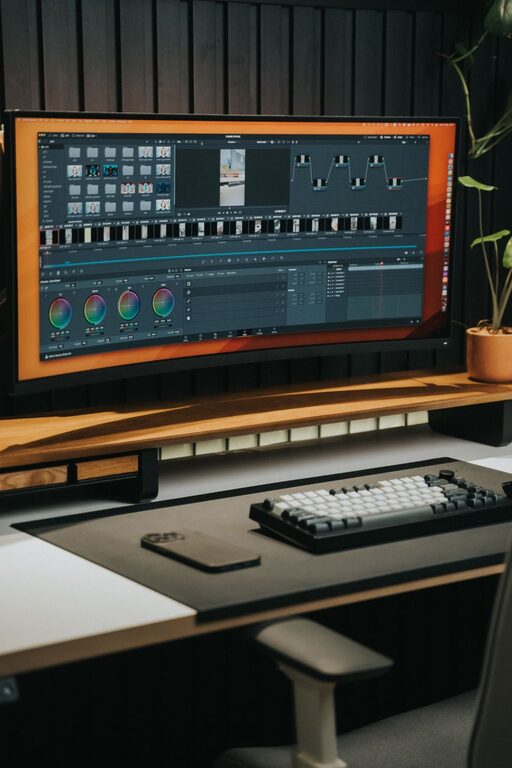
Working from home has become a common part of many people’s routines. Creating a productive home office environment is key to staying focused, motivated, and efficient throughout the day. Whether you have a dedicated room or just a small corner, the right setup can make a big difference in how well you work.
In this post, we’ll explore practical tips to help you design a home office that supports productivity and comfort.
Choose the Right Location
Find a Quiet Space
Pick a spot in your home where you can minimize distractions. If possible, choose a room with a door to help signal when you’re working and reduce noise.
Consider Natural Light
Natural light can boost your mood and alertness. Position your desk near a window if possible, but avoid glare on your computer screen by angling the desk or using curtains.
Invest in Comfortable Furniture
Select an Ergonomic Chair
Your chair should support good posture to prevent back and neck pain. Look for adjustable height, lumbar support, and comfortable cushioning.
Use a Suitable Desk
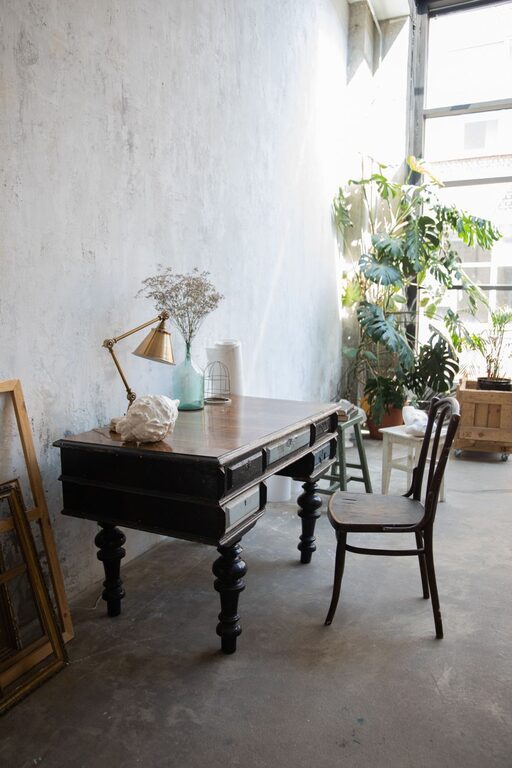
Choose a desk that’s the right height and size for your work needs. A clutter-free surface helps maintain focus, so make sure you have enough space for your computer, documents, and other essentials.
Organize Your Workspace
Keep it Tidy
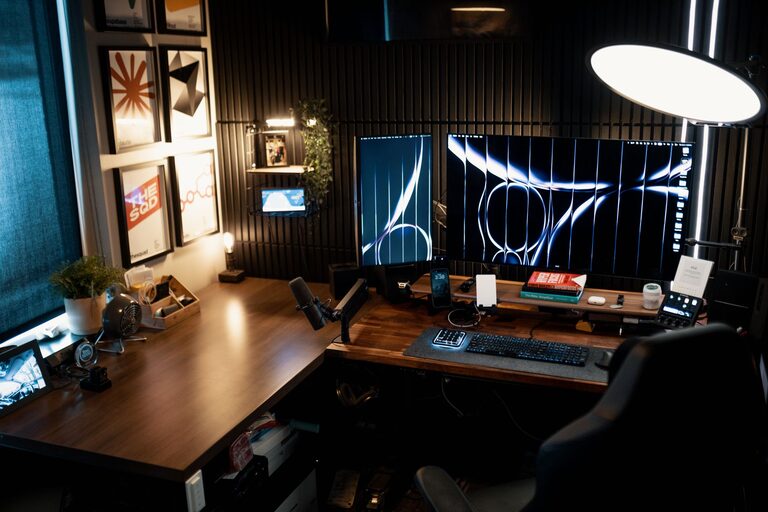
A clean and organized workspace reduces stress and distractions. Use drawers, shelves, or storage boxes to keep supplies and paperwork out of sight.
Implement Cable Management
Tangled cords can create visual clutter. Use cable organizers or clips to keep cables neat and avoid accidental unplugging.
Equip Your Office with the Right Tools
Reliable Technology
Ensure your computer, internet connection, and any necessary peripherals are dependable. Slow or faulty equipment can disrupt your workflow.
Adequate Lighting
In addition to natural light, use task lighting like a desk lamp to prevent eye strain, especially during late work hours.
Set Boundaries and Develop Routine
Define Working Hours
Set clear start and end times to separate work from personal life. Communicate these boundaries with household members if necessary.
Create a Morning Routine
Starting your day with a routine—such as a quick stretch, breakfast, or a brief review of your tasks—can prepare your mind for focused work.
Personalize Without Overcrowding
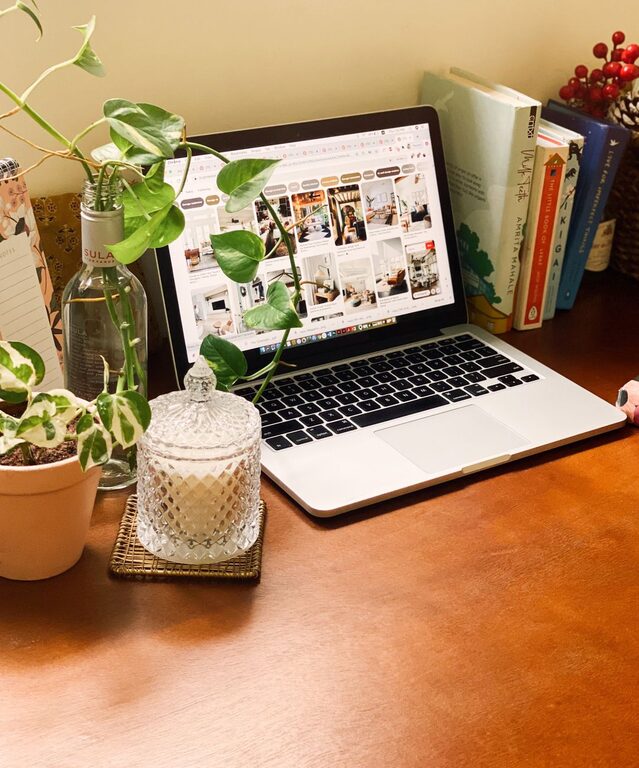
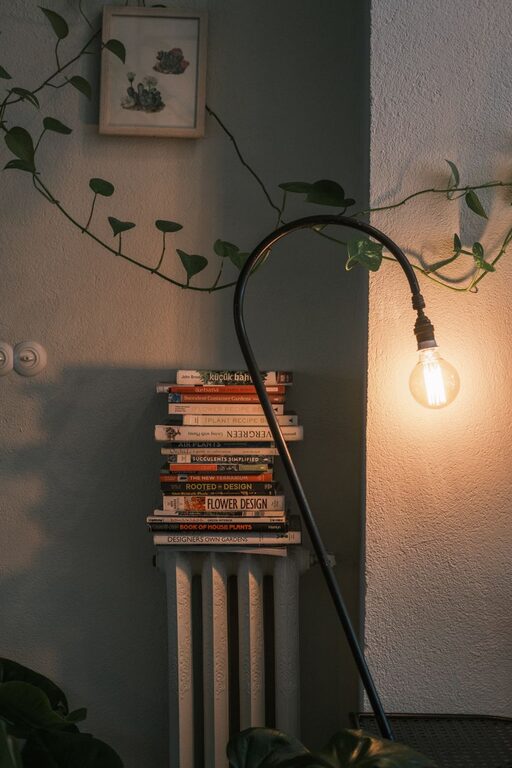
Adding a few personal touches like plants, artwork, or photos can make your workspace inviting. Plants, for example, can improve air quality and reduce stress. Just avoid overdecorating, which can become distracting.
Take Regular Breaks
Use techniques like the Pomodoro method—working in focused intervals with short breaks—to maintain productivity and prevent burnout. Stand up, stretch, or walk around to recharge.
Minimize Distractions
Turn off non-essential notifications on your devices during work hours. Use noise-cancelling headphones if you’re in a noisy environment. Consider apps or browser extensions that block distracting websites.
Maintain Air Quality and Comfort
Good ventilation and a comfortable room temperature are important. Fresh air helps you stay alert, while a room that’s too hot or cold can hamper concentration.
Conclusion
Designing a productive home office environment takes some planning but can greatly enhance your work-from-home experience. By choosing the right location, investing in ergonomic furniture, organizing your workspace, and setting clear boundaries, you’ll create a space that supports focus and efficiency. Remember, small changes often make a big difference, so start with one or two tips and build from there.
Working comfortably and efficiently from home is achievable with a thoughtfully designed space that meets both your professional and personal needs. Happy working!